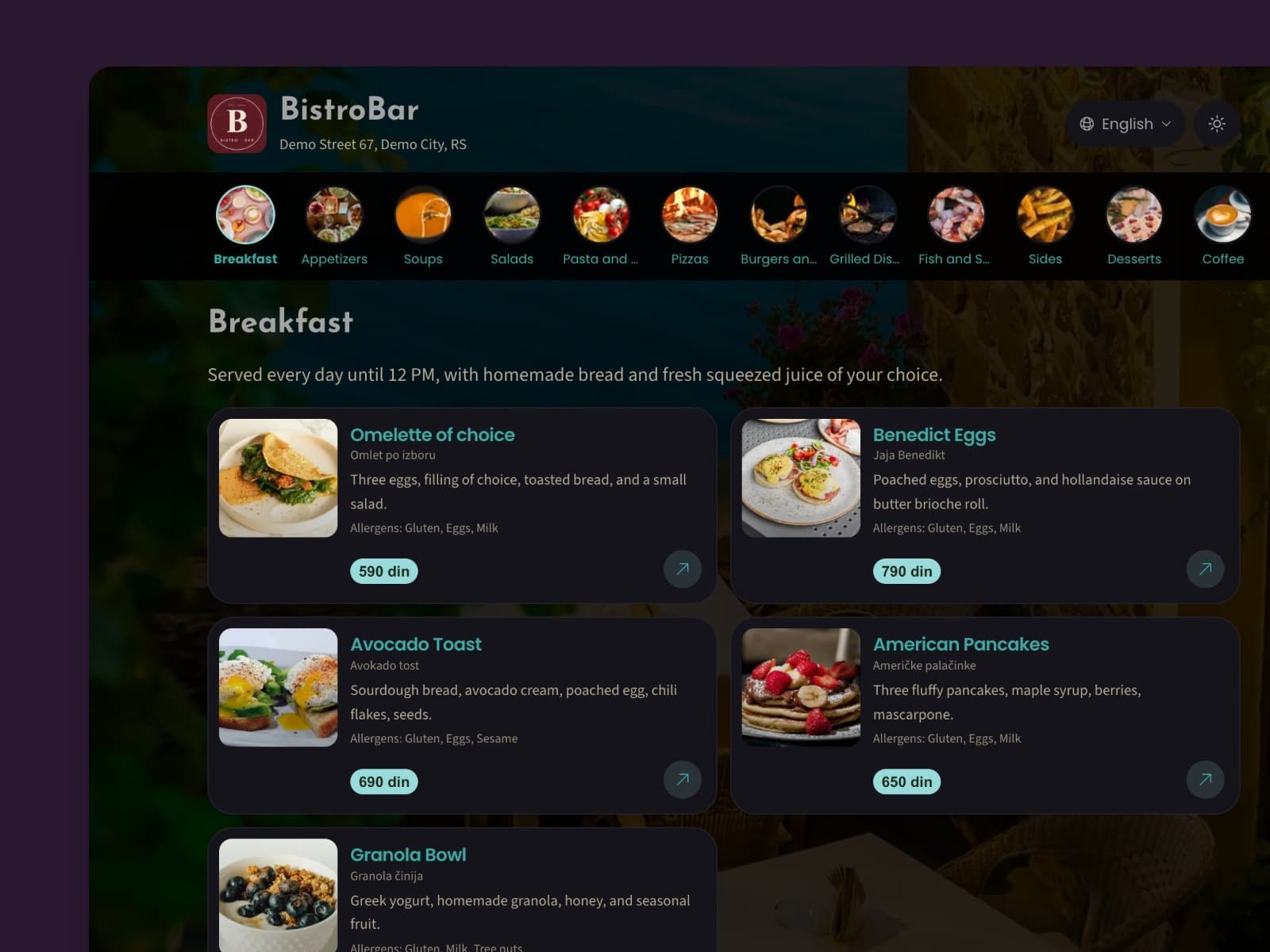
Quick setup
A digital menu in a few minutes
Build a complete digital menu from scratch or import the one you have. No technical skills, no complicated settings.
Snap your printed menu. AI turns it into a digital menu with prices and translations, and guests open it with a QR code.
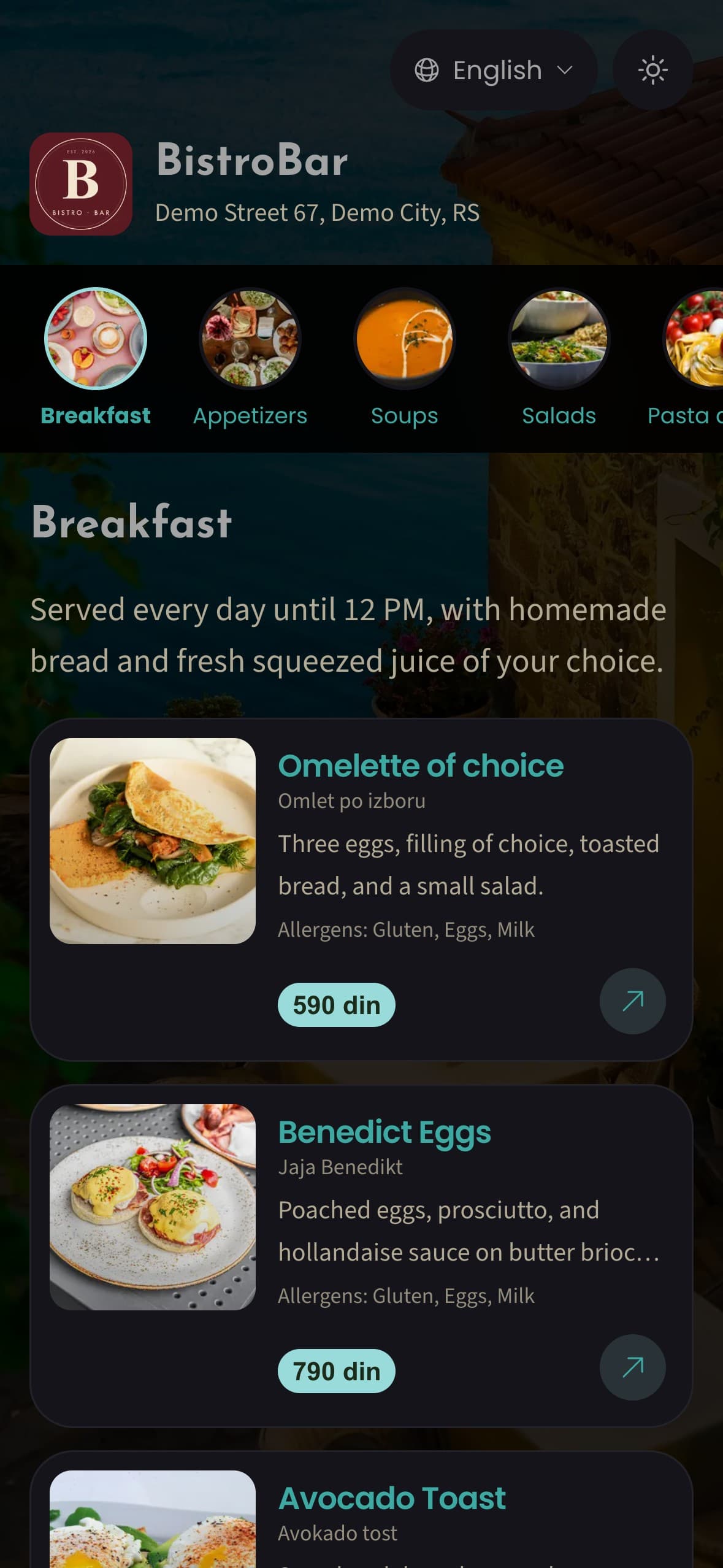
Breakfast
Served daily until 12 PM
1 / 4
Snap your printed menu
Take a photo of your menu with your phone. No retyping.
AI menu import
Skip the manual entry. Take a photo of your printed menu, and AI recognizes the dishes, prices and categories and builds your digital menu. You review it and publish.
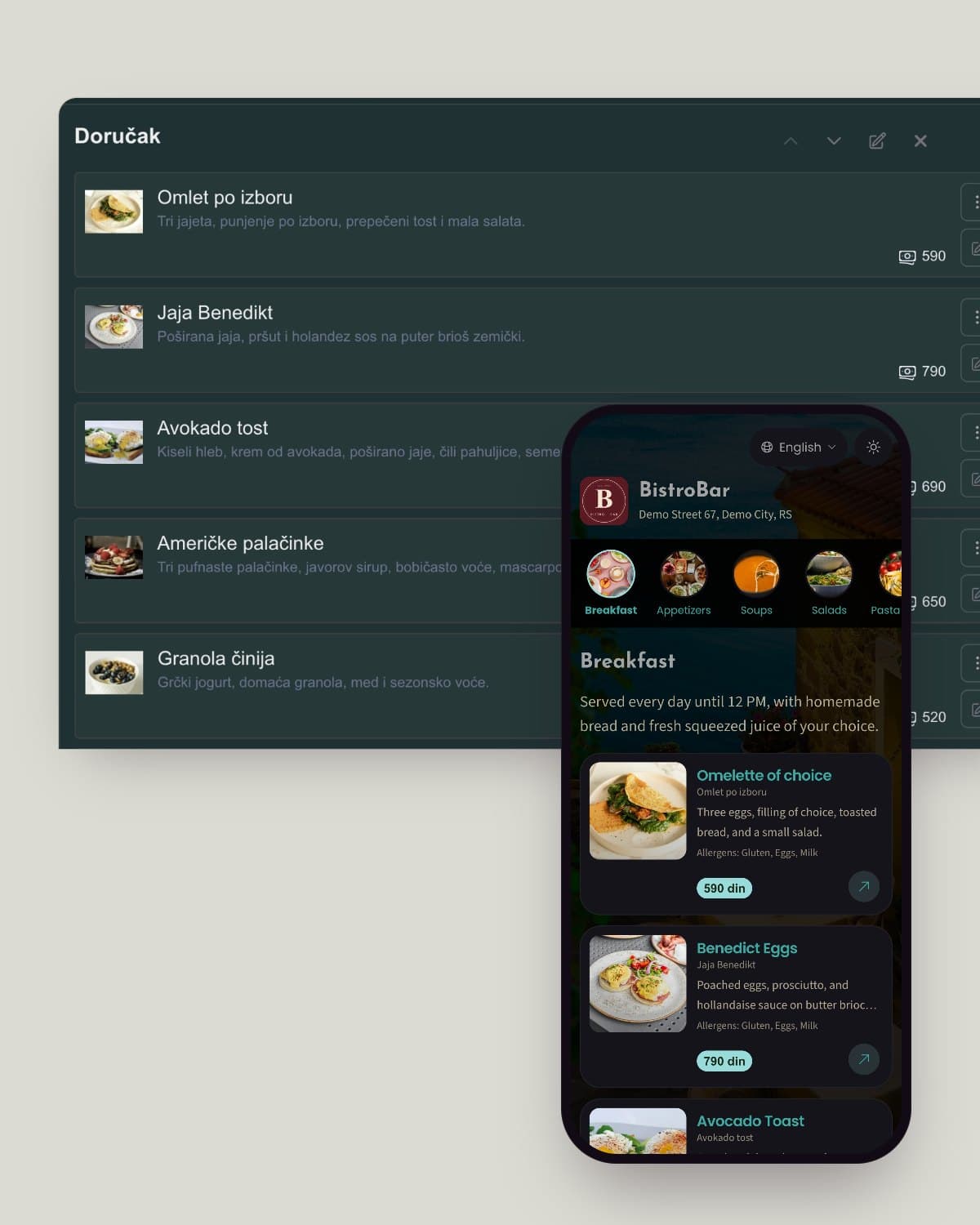
Simple to manage
Quick setup
Build a complete digital menu from scratch or import the one you have. No technical skills, no complicated settings.
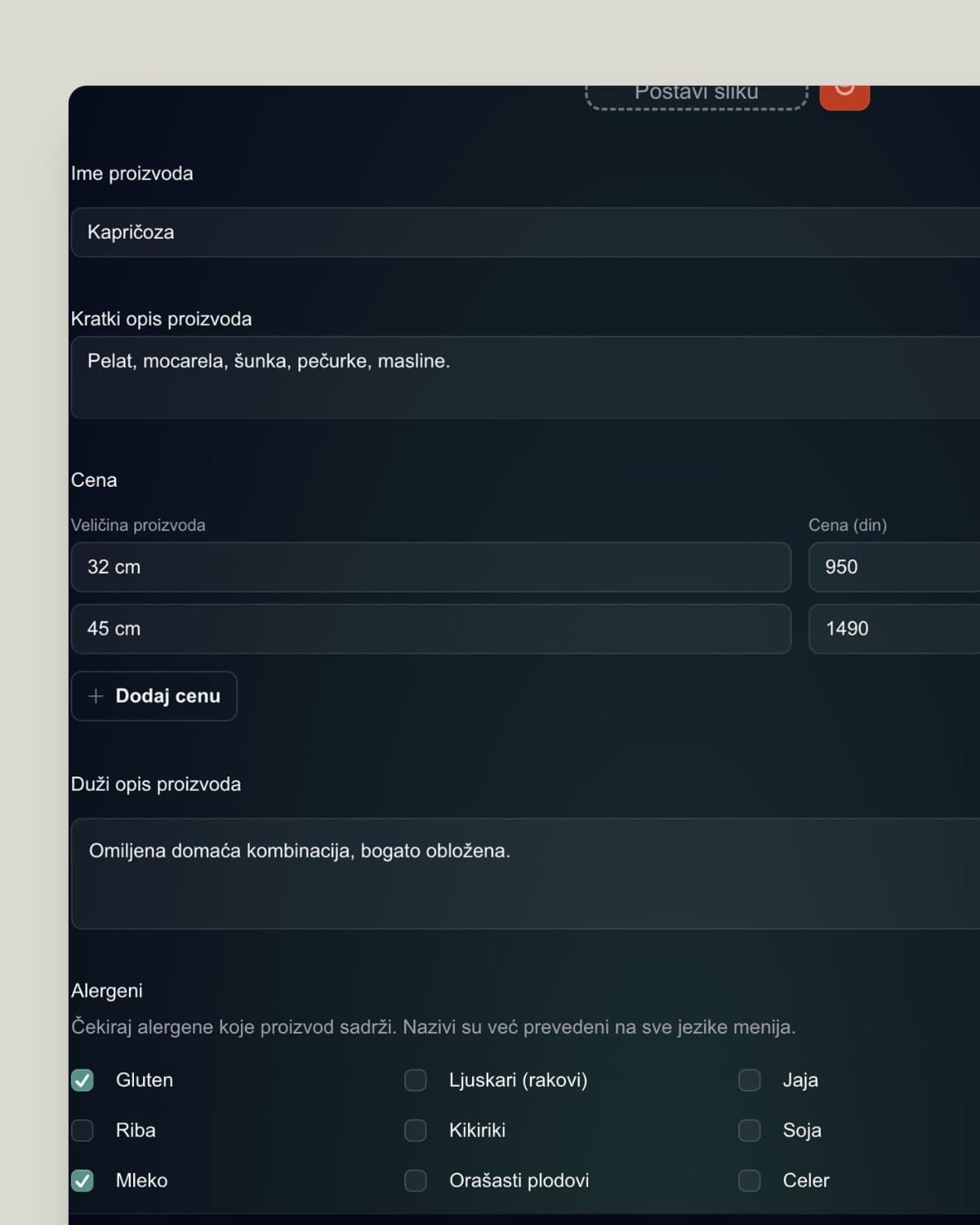
Quick edits
Change a price, hide a dish or add a new item. Guests see the change instantly, with no reprinting.
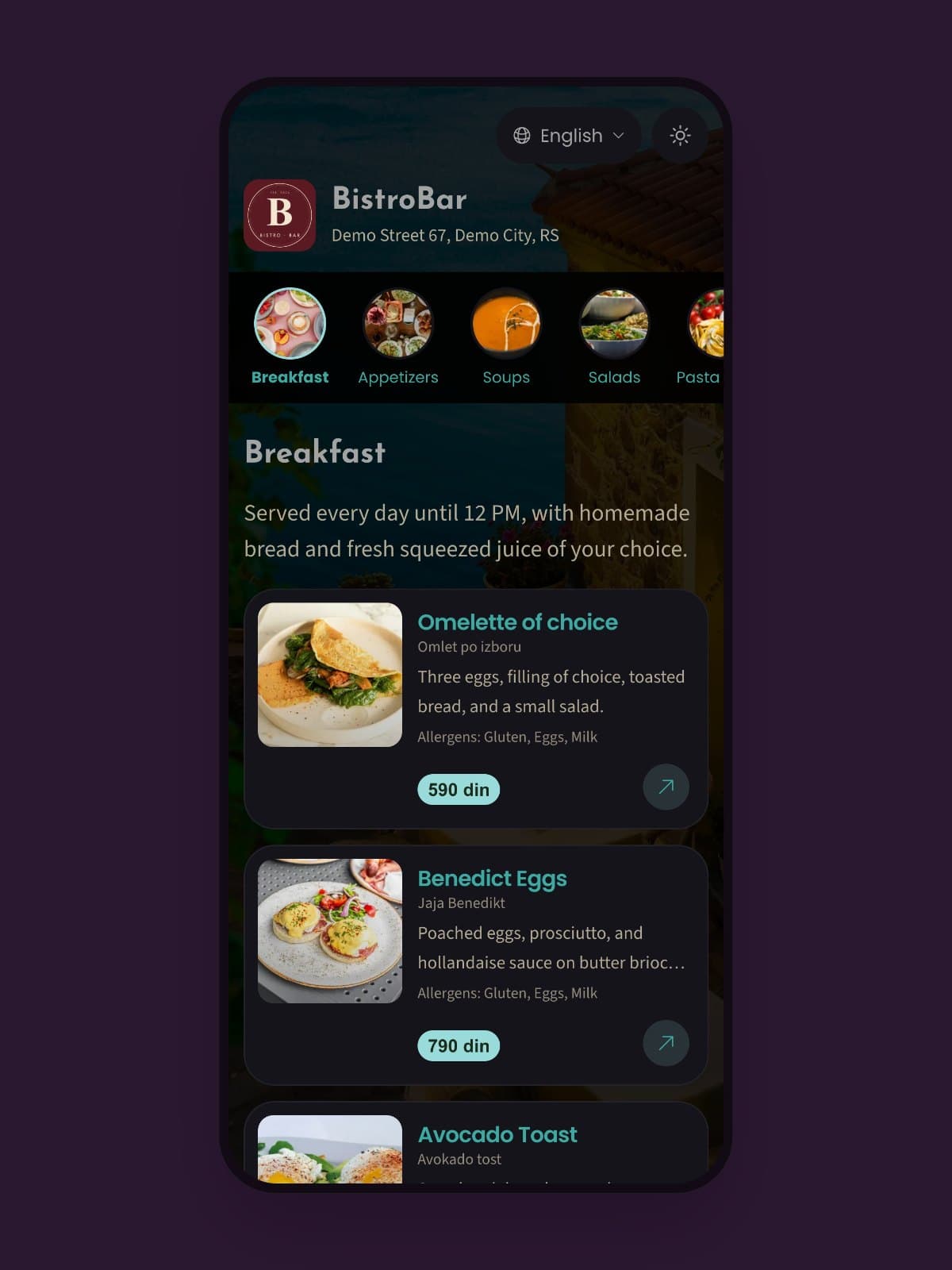
QR code menu
Guests scan the QR code with their phone and the menu opens right away in the browser, with no app to download.
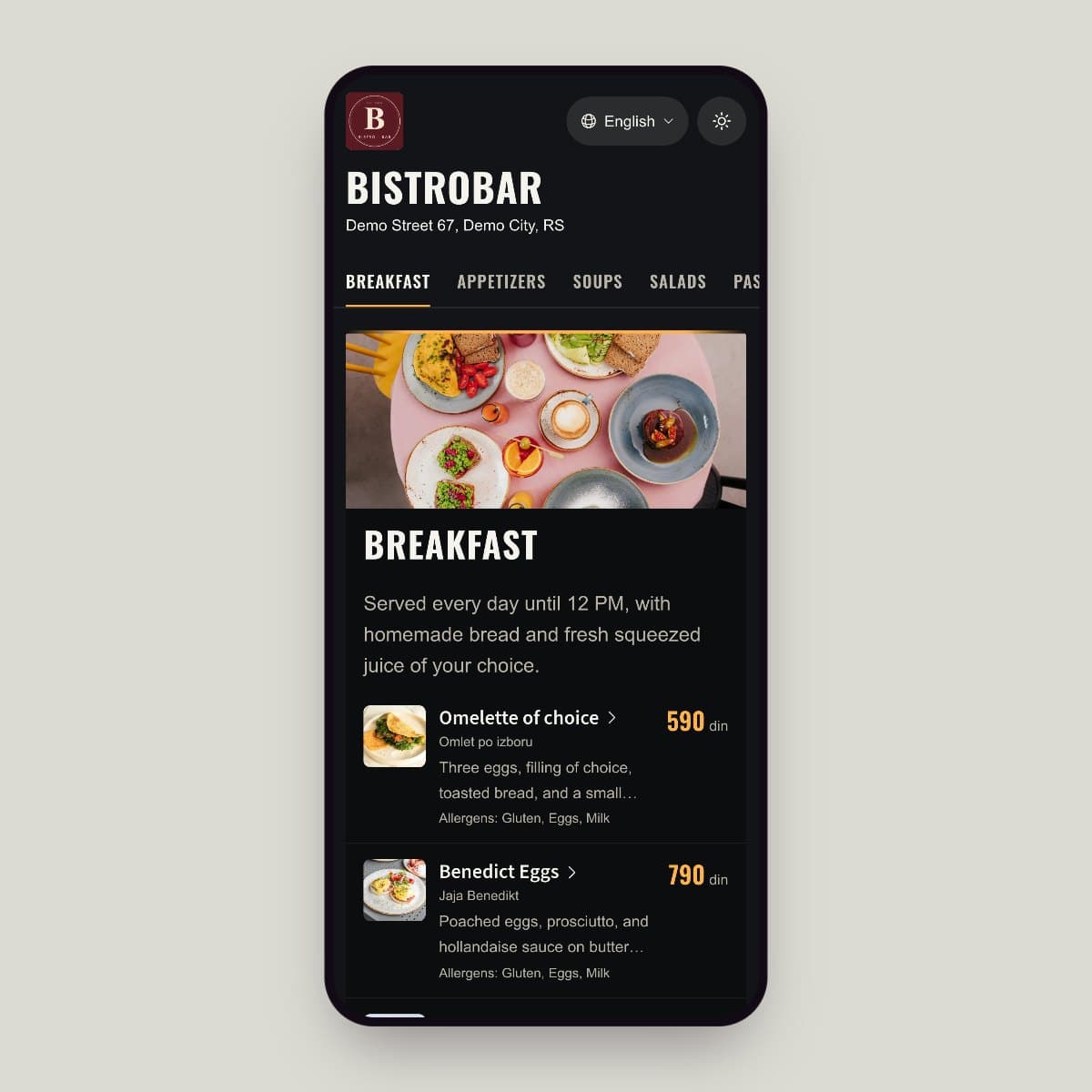
Seasonal offer
Update the daily specials, add a special or hide an item. Your digital menu keeps up with you at any moment.
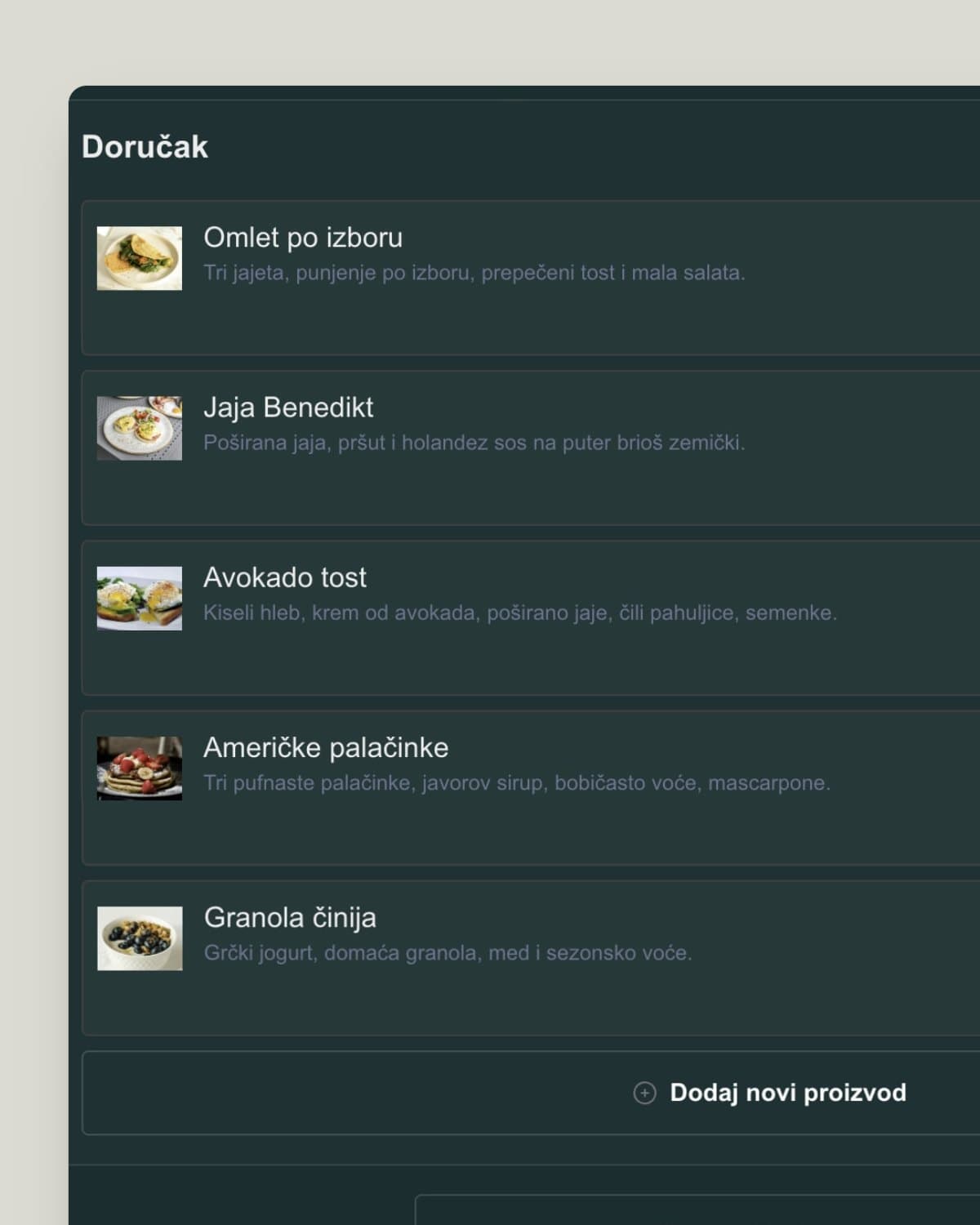
Admin panel
Reorder items and categories by dragging, and update prices and descriptions from your phone or computer.
Rich visual content
A digital menu holds more than a paper one. A photo, a description and allergens sit next to every dish, so guests know what they are ordering before the server reaches the table.
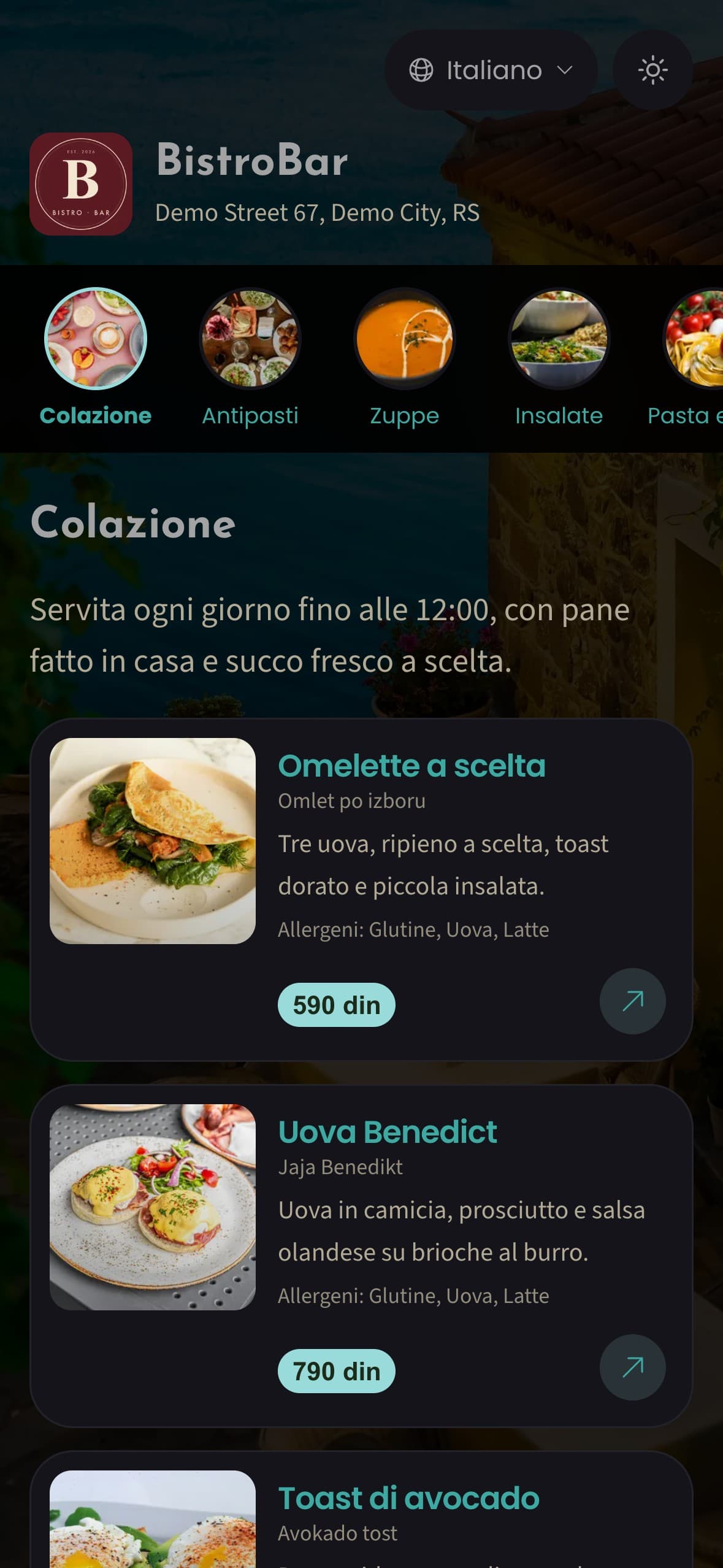
Multilingual digital menu
Tourists, expats and guests who don't know the local cuisine. AI translates your menu into many languages and explains dishes guests haven't heard of.
AI translation
Translate your digital menu into Spanish, German, Italian and other languages, without a translator.
Cultural context
AI explains dishes guests don't know: what they are, how they're made and what they taste like.
Custom translation
Not happy with the AI translation of an item? Edit it by hand. You can fine-tune every language the way you want it.
Create an account, import your printed menu with AI OCR, and in a few minutes your menu is ready for guests.
If you have a printed menu, AI OCR digitizes it in a few minutes. Upload the photos, AI recognizes the items and builds the menu structure, and you review it, add photos if you like and publish.
AI translates your menu items into the languages you choose. Besides the name, it can explain dishes foreign guests don't know, such as black pudding or a Scotch egg. You can edit every translation by hand.
No. Guests scan the QR code with their phone and the menu opens in the browser, with no app and no sign-up.
Yes. Every dish can have a photo, a description and allergens, and your venue can also have a photo gallery.